
Catalystk free Price quotation format in excel to create quotations
Catalystk free Price quotation format in excel is a software tool specifically developed to create price quotations or estimates in multiple formats. A "price quote" is an agreement between a vendor and customer to deliver the goods and services at a proposed price. Quotation formats generally contain information about the vendor, customer, product/goods to be delivered, product cost, payment information, terms, and conditions, etc. Catalystk software allows you to generate n number of quotations and revised quotations and within minutes and also generate quotations in multiple formats. Catalystk free quotation format in excel is integrated with Lifetime free GST billing software, free CRM software, ERP software, AMC or Rental software, Inventory software, Manufacturing software, Artificial Intelligence (AI), and 500+ reports. It's fully free with all the options. Click the link to register for free.
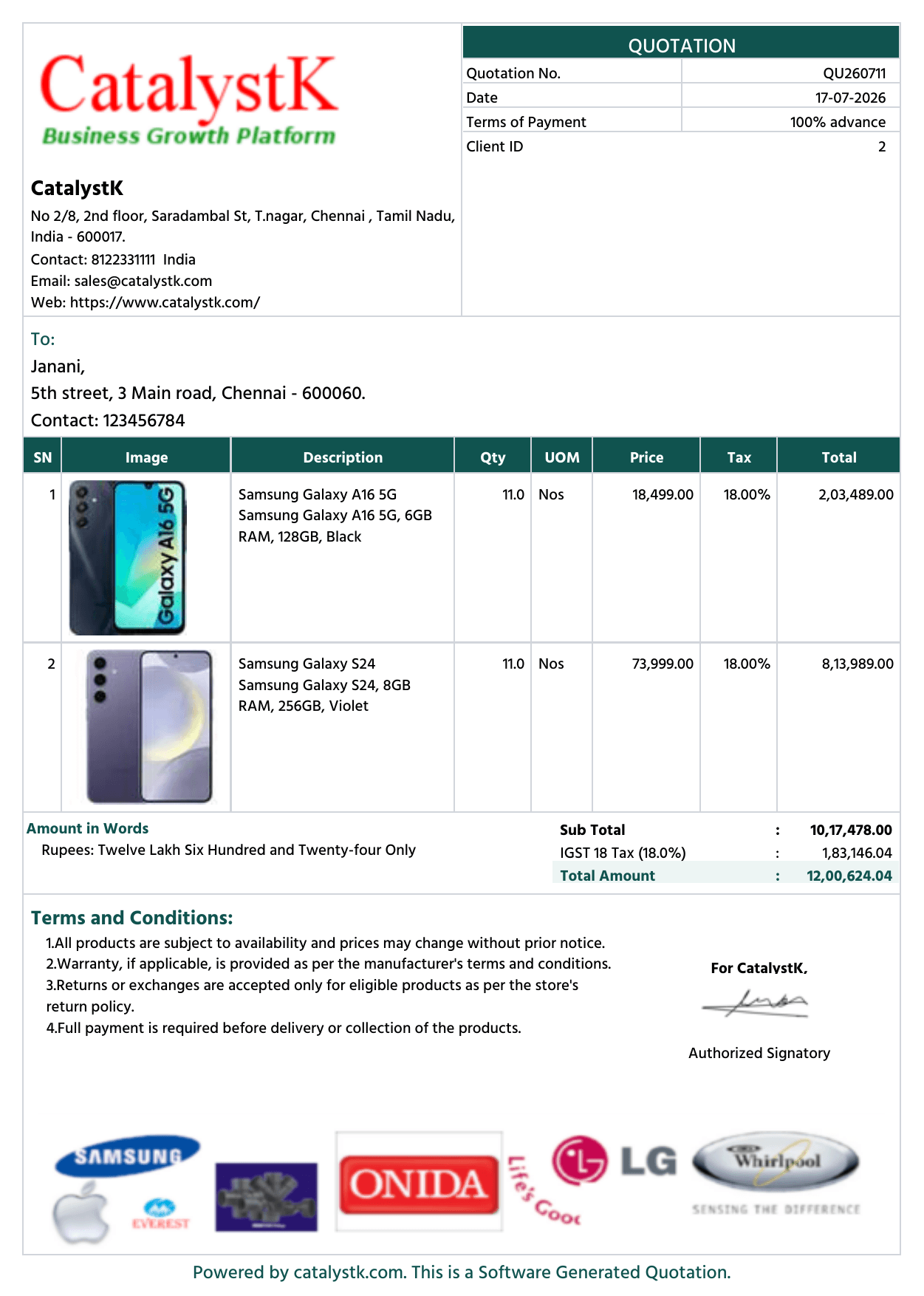
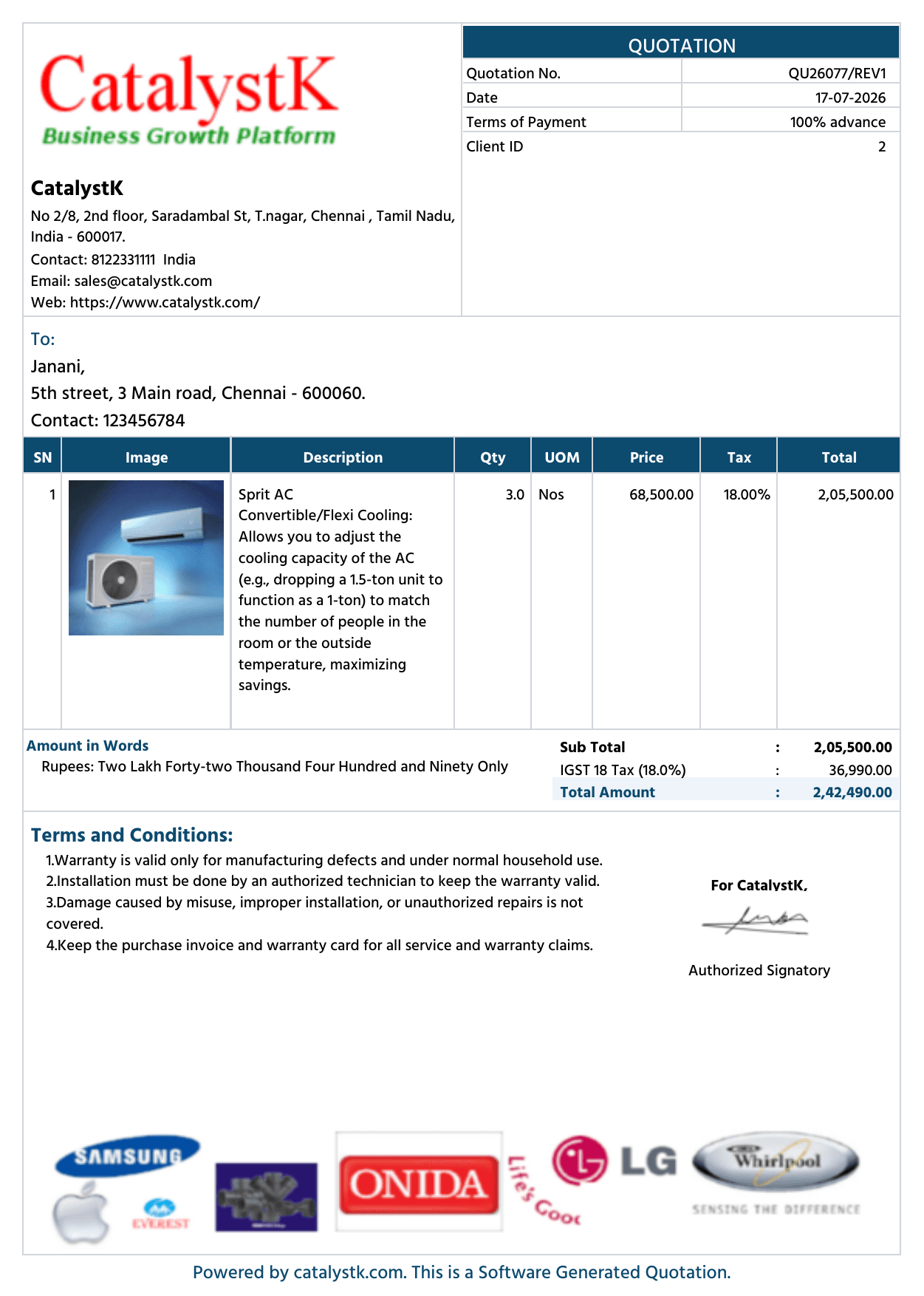
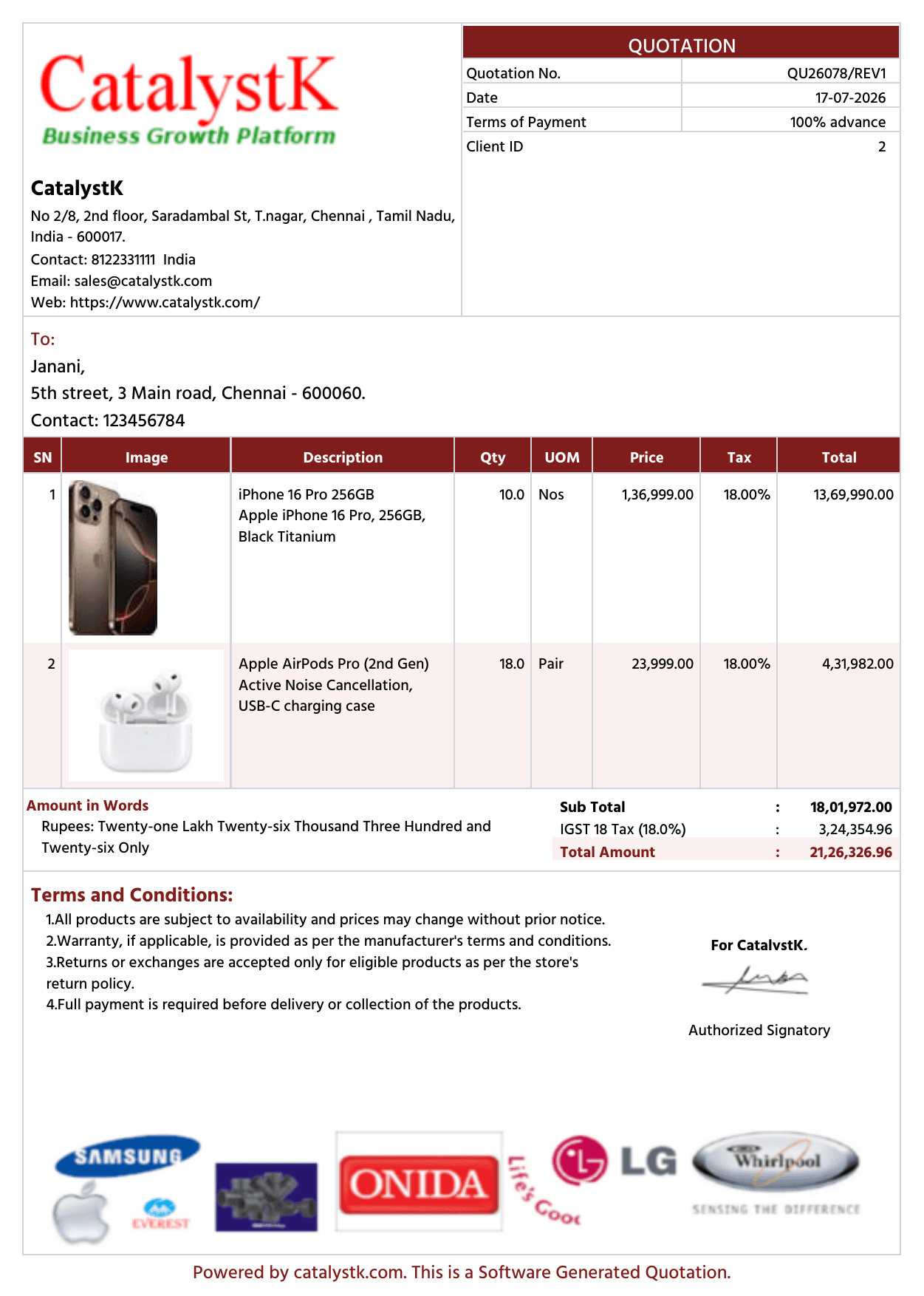
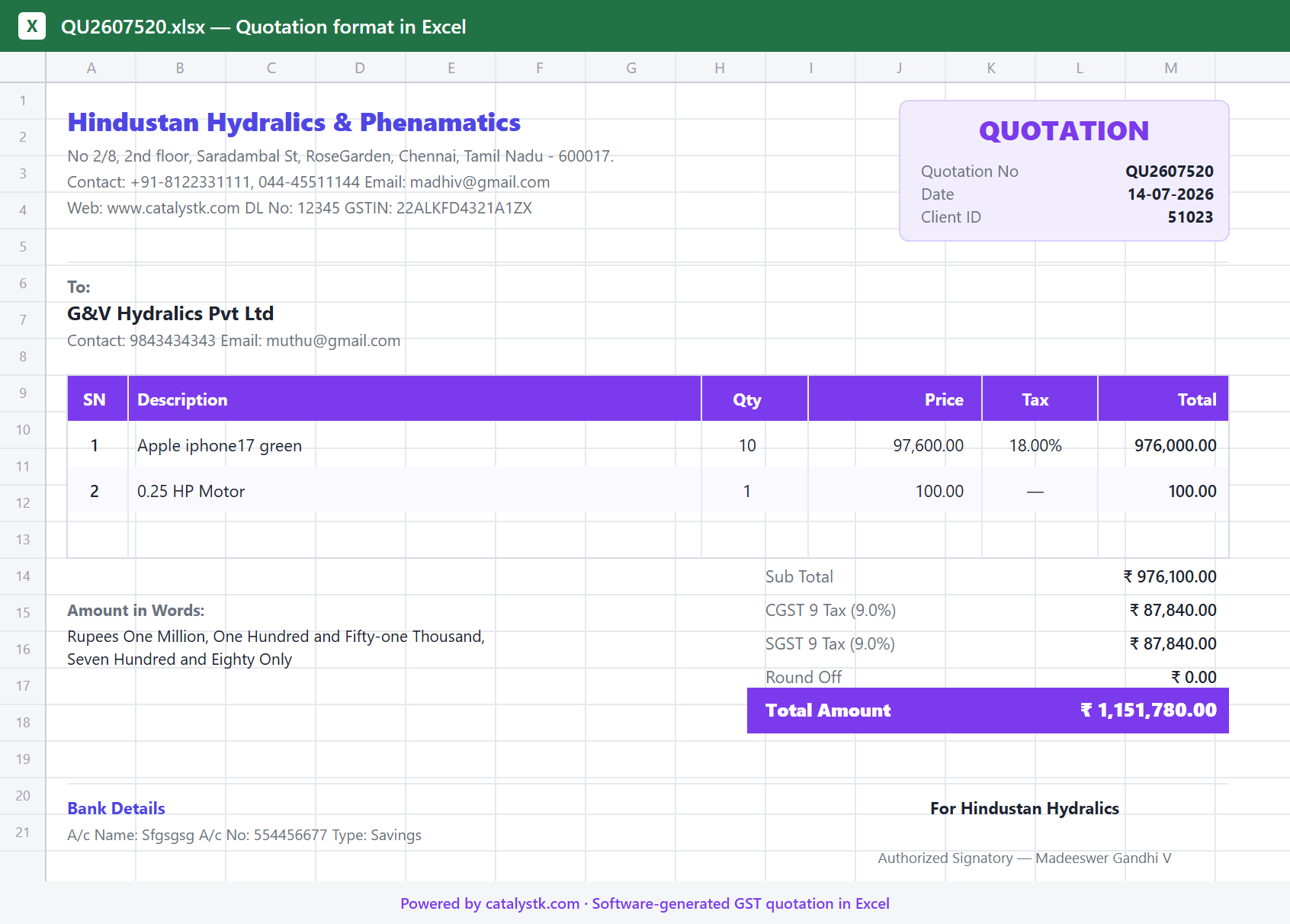
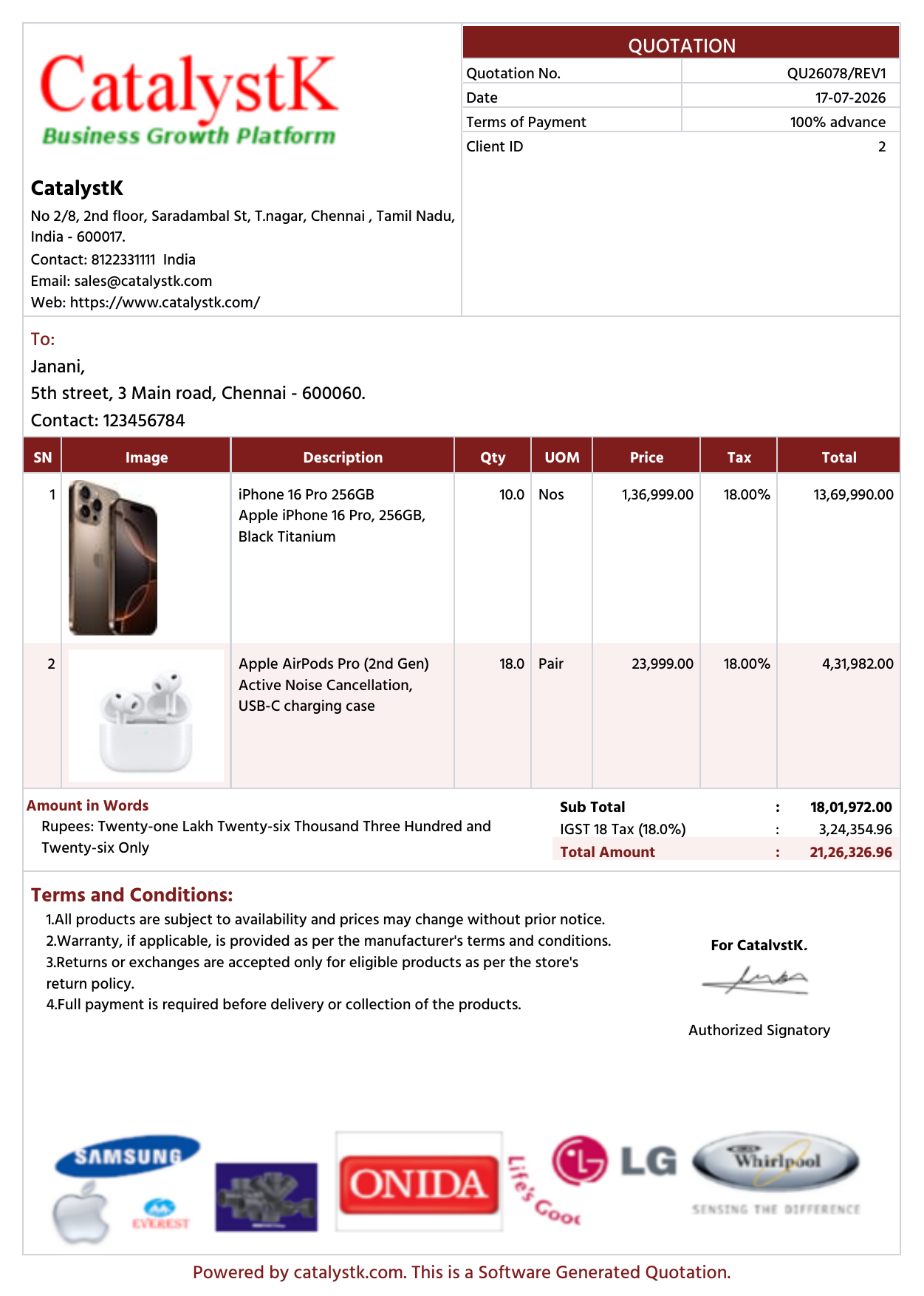
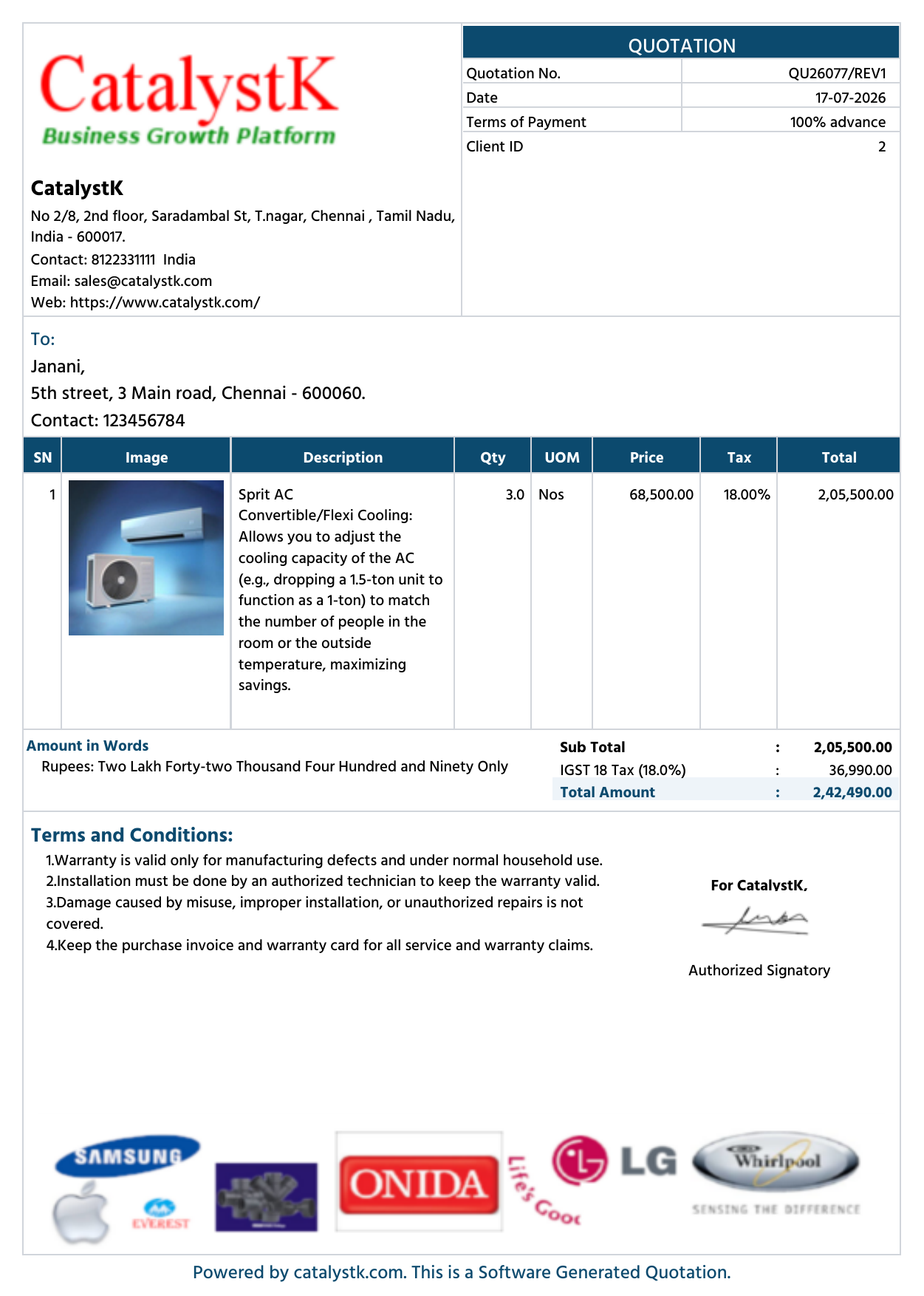
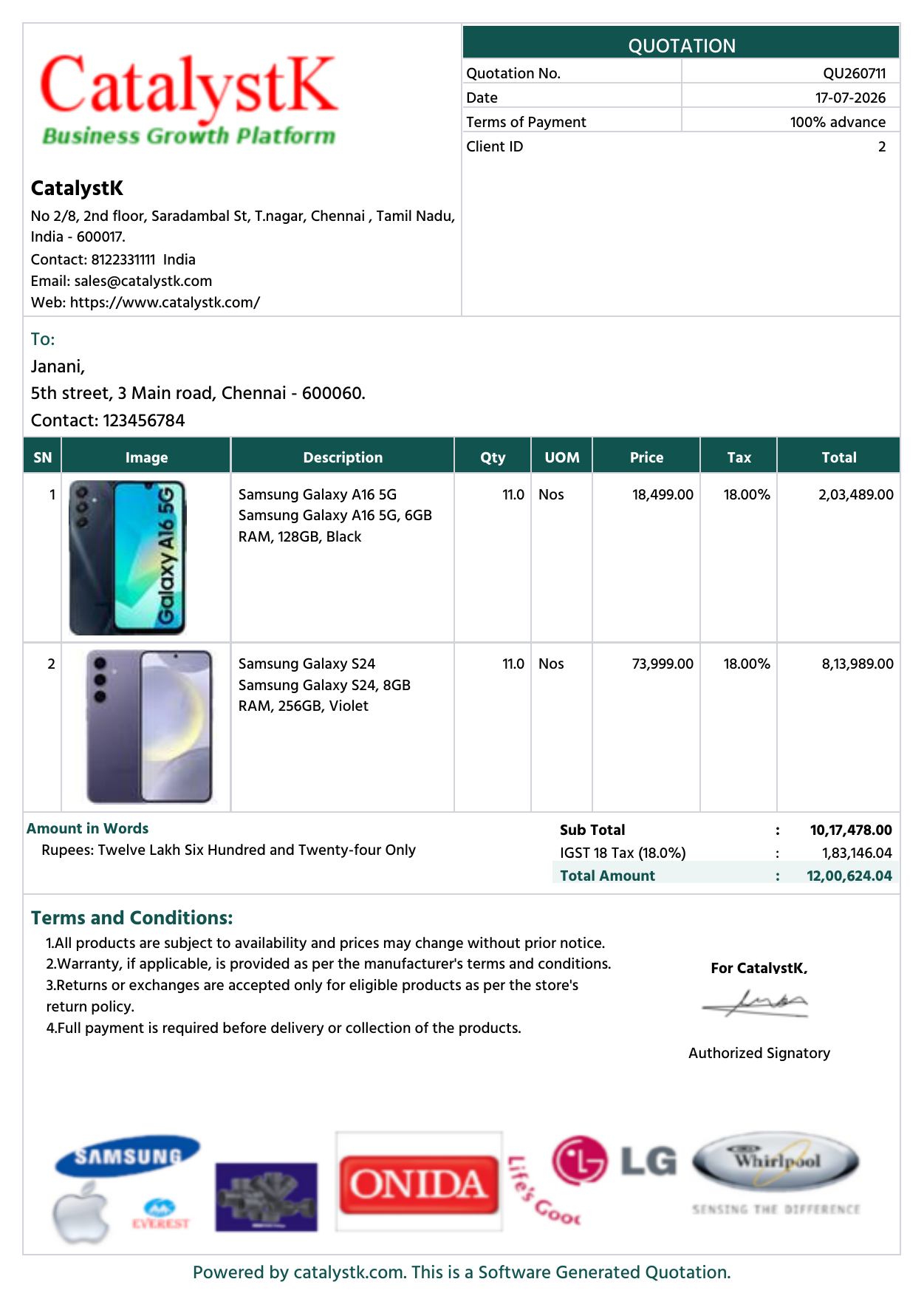
3 of 30+ quotation templates · multiple colour themes
What is the meaning of the price quotation?
A price quotation format is a fixed price that can't be changed once accepted by the customer. Based on the relationship, mutual understanding between the parties, the final price agreed can change which as compared to the quotation. The excel price quotation format is generally a written document, though at times it is verbally discussed between the parties. This is generally on the letterhead of the seller or duly stamped and signed by the seller. It states the fixed price of the goods/services and any additional cost.
How to make price quotation in word?
The price quotation format provided by Catalystk can be used to generate price quotes with all details in pdf format and can be easily converted into word.
How do you send a price quote to a customer?
A price quote or a price quotation format is a document sent with the product description, price with tax details, etc. It can be sent in multiple ways through the mail with multiple attachments.
Price quotation software benefits:
- Helps to negotiate the product price, terms, etc.
- Attract customers with product image quotations.
Catalystk free Price quotation format in excel provides multiple enable/disable options in print settings to print quotations according to the business flow.
quotation format excel varies according to the user requirements and business workflow. Catalystk quotation follow up template excel, allows you to customize quotations according to your needs with multiple enable/disable options in print settings such as printing quotations with or without images, enable/disable product description column, print quotations with/without terms and conditions, etc. Furthermore, the system allows you to revise existing quotations and create n number of revised quotations. You can also assign quotations to the sales team and track quotations on a daily basis by mapping follow-up date/time.Catalystk Price quotation format features:
- Quotation with images
- Quotation grouping products
- Revised Quotation
- Quotation without image
- Email Quotation
- SMS Quotation
- Quotation Follow-ups
- missed quotation follow-ups
- Invoice
- Proforma Invoice
- Sales Order
- DC
- Return Received
- HSN Code
- GST Calculations
- Finance management
- General Ledger
- Client Ledger
- Supplier Ledger
- Pending Payments
- Balance Sheet
- Profit and Loss
- Sales management
- Procurement Management
- Purchase Enquiry
- Vendor Identification
- Purchase Order
- Goods Received Note
- Goods Return
- Purchase Invoice Verification
- Purchase Invoice
- Pending Purchase
- Sales Work Flow
- Grouping
- Follow Up
- Excel Uploads
- Excel Download
- Automated Sales Order, Invoice mailing system
- Reports
Catalystk free Price quotation format in excel to retrieve quotations in multiple ways such as print, mail, download quotations and report generation.
Catalystk price quotation template excel provides multiple ways to retrieve and send quotations such as printing quotations in A4 size, letterhead and small size, mail quotations to the customer, SMS quotation details, and download quotation sheet excel. Additionally, you can download 500+ quotation reports in excel format with multiple filter options such as daily, weekly, monthly and yearly quotation reports, client-wise quotation reports, failed quotation reports, etc. With such multiple features, quotations can be generated and sent to the customer in a faster and reliable way and it also speeds up the sales process.
Price quotation generation steps:
1. Click the side menu option of "Home" and then click the "Quotation" tab.
2. In the "Quotation" tab options, Click "New Proposal" button.
3. Fill the details of customer, product and price details.
4. After entering all details, Click "Save" to view your new price quotation.
NOTE: For any clarifications Kindly contact the support team.
Key features of Quotation Format in Excel
Excel quotation generation
Auto-generate a professional quotation in Excel — no manual template, formulas or formatting to fix.
One-click Excel download
Download any quotation as a ready-to-edit Excel (XLSX) file, fully formatted and totalled.
Excel-based price comparison
Export a quotation with multiple price lists side by side in Excel to compare and pick the best price.
GST quotation format
Every quotation includes GST — per-line tax, HSN/SAC, CGST/SGST/IGST and a tax summary.
Built-in formulas & totals
Quantity × rate, discounts, taxes and grand totals calculate automatically — no broken Excel formulas.
Quote in 10 seconds from an RFQ
Drop in an RFQ (PDF, Excel or image) and AI builds the quotation instantly — a market first.
Professional templates & branding
Branded, print-ready layouts with your logo and letterhead — beyond a plain Excel sheet.
Excel or PDF, your choice
Download the same quotation as Excel or PDF, or email it to the customer directly.
Multi-currency
Create the quotation format in any currency with a live conversion rate.
Quotation format in Excel vs quotation format in PDF
Excel is best for editing, formulas and price comparison; PDF is best for sending and records. Catalystk generates your quotation in both formats — free.
| Capability | Quotation format in ExcelCatalystk · 100% free | Quotation format in PDF |
|---|---|---|
| Editable & reusable after export | ||
| Live formulas (qty × rate, tax, totals) | ||
| Price comparison, multiple lists side by side | ||
| Fixed layout, tamper-resistant | ||
| Best for print & official records | Good | Best |
| Branded, professional layout | ||
| GST tax breakdown (HSN/SAC, CGST/SGST/IGST) | ||
| Email to customer in one click | ||
| Generated free by Catalystk |
Quotation Format in Excel — frequently asked questions
How do I make a quotation format in Excel?
You can build one manually with columns for item, quantity, rate, discount, GST and total — or let Catalystk generate a professional GST quotation in Excel automatically and download it as XLSX, free.
Is the Excel quotation format free to download?
Yes. Catalystk generates and downloads the quotation format in Excel 100% free — no template to buy and no credit card.
Does the Excel quotation format include GST?
Yes. It includes per-line tax, HSN/SAC and a CGST/SGST/IGST tax summary, so your Excel quotation is fully GST-compliant.
Can I compare prices in Excel?
Yes. Export a quotation with multiple price lists side by side in Excel to compare product or vendor prices and pick the best.
Can I also get the quotation as a PDF?
Yes. The same quotation downloads as Excel or PDF, and can be printed on your letterhead or emailed to the customer.
Related products
Ready to run your business on one platform?
Join thousands of growing businesses using Catalystk. Set up in minutes — free forever, no credit card required.